Share ministry stories without putting anyone at risk.
FaceGuard lets you blur faces, bleep sensitive words, and disguise voices in your photos and videos - right from your device.
All processing happens locally on your device. No uploads. No tracking.

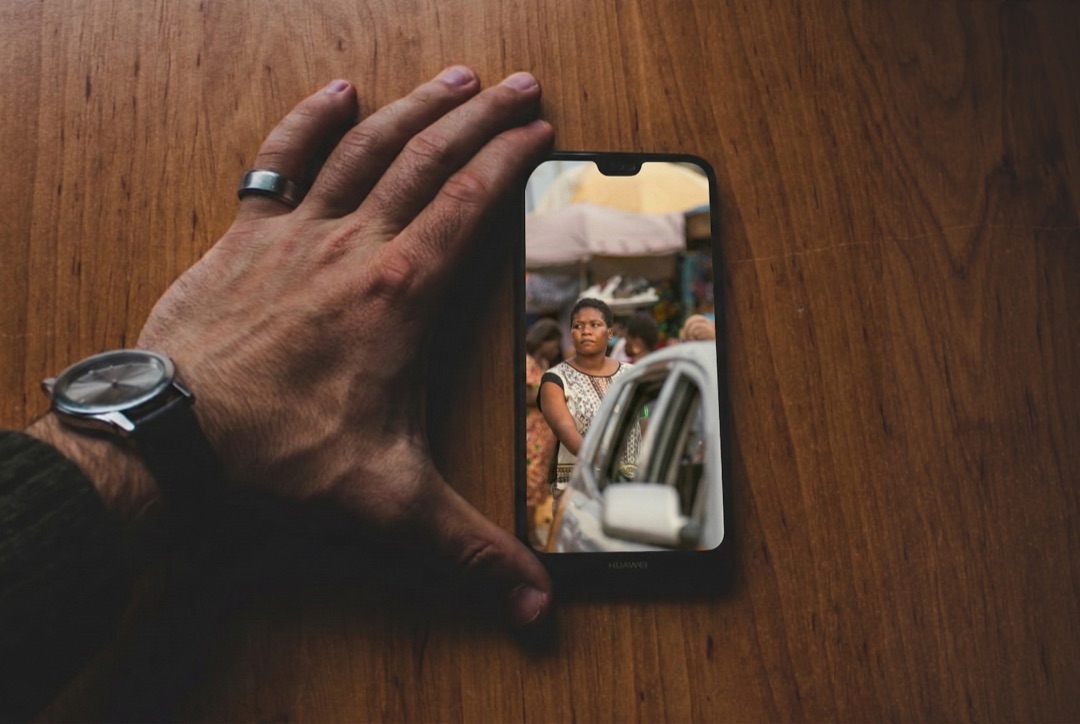
In sensitive places, a single photo can create real risk.
When you share ministry stories, you are often sharing people. And in many contexts, being identified can carry consequences you never intended.
That creates a difficult tension: you want supporters to stay connected to what God is doing, but you also feel the weight of protecting the people in your photos and videos.
Editing faces manually can take hours
Many tools are complicated or hard to learn
Some people take risks because they do not have a better option
Others stop sharing entirely because it feels too dangerous
You should not need complex software just to share ministry updates safely.
Every update comes with a question: is this safe?
Before you send a photo or video, you have to think through what someone else might notice - a face, a name spoken aloud, a voice that could be recognized.
That uncertainty makes sharing harder than it should be.
So the options become familiar: stay up late editing, try to learn complicated tools, take a risk and hope for the best - or share less and let supporters drift.
There should be a safer, simpler way to share ministry stories.


We built this because we needed it too.
We have done the hard version of this - staying up late, editing faces by hand, scrubbing audio for names and recognizable voices, trying to share ministry stories without compromising anyone's safety.
It is frustrating. It is time-consuming. And it is heavier than most people realize.
So we built FaceGuard to make the safe option the simple option.
We are a software team that serves missionary organizations, and we build practical tools for real ministry work in the field.
Getting started is simple.
Download the free app
Protect identities
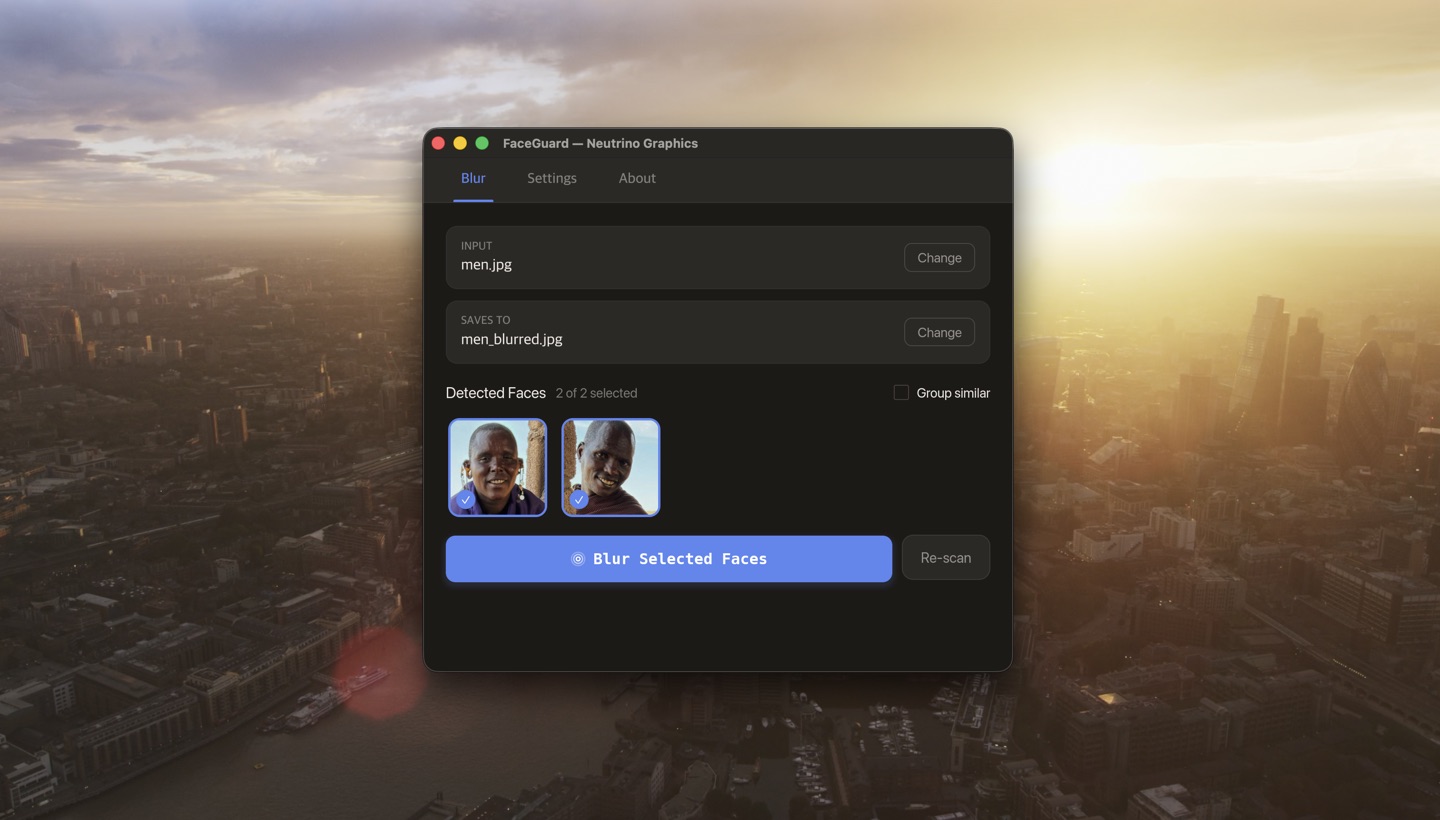
The app detects faces automatically. You choose which to blur, which words to bleep (English — more languages coming soon), and whether to disguise voices.
Share with confidence
Send your update to supporters knowing identities are protected.
Keep supporters connected - while protecting the people you serve.
When sharing feels risky, it is easy to go quiet. Updates get delayed. Stories stay on your phone. Supporters drift because they cannot see what God is doing.
FaceGuard removes that barrier.
So you can share ministry stories more consistently, with less friction and far more peace of mind - knowing you are protecting identities while staying connected to the people who pray for you, support you, and care about the work.
Share updates quickly and confidently
Help supporters feel close to the story
Share consistently instead of going silent
Stop carrying the fear of exposing someone by accident

See how it works in under a minute.
FaceGuard was designed to be simple. Open a photo or video, blur faces, bleep keywords, disguise voices, and export a version you can share safely.
Want this for later?
Send yourself the demo and download links so you can watch later or share with your team.
Coming soon to mobile
Get notified when FaceGuard is available on Android and iOS.

Need a better way to do something like this?
We build custom software for ministries and mission organizations that need practical solutions in the field.
From communication tools to data systems, we help teams operate more effectively without adding complexity or risk.
If you have a process that is slow, manual, or fragile, there may be a better way.
We would be glad to help you think it through.